
The Complete & Continue button helps the system track your progress and move you forward through a training.
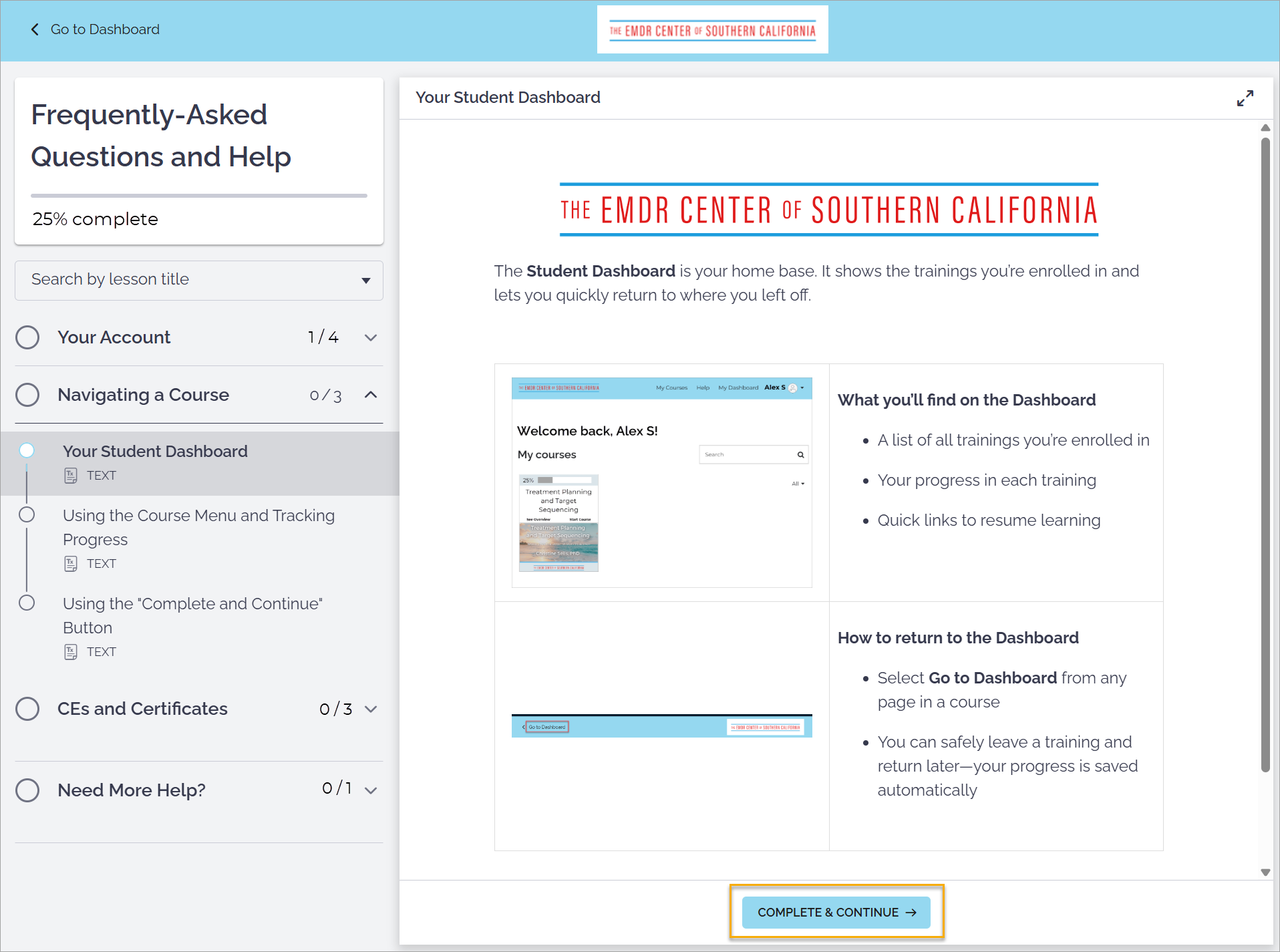
Why this button matters
It marks the current item as complete
It ensures your progress is recorded correctly
It advances you to the next section
When to use it
Select Complete & Continue after finishing a video, reading, or activity
Even if content feels short, clicking the button is important
What happens if you forget
You can return and select Complete & Continue later
Your progress will update once the item is marked complete