
Thinkific App
Access this course on a mobile device
If you would like to be able to access this course on a phone or tablet, you can do so on the Thinkific app.
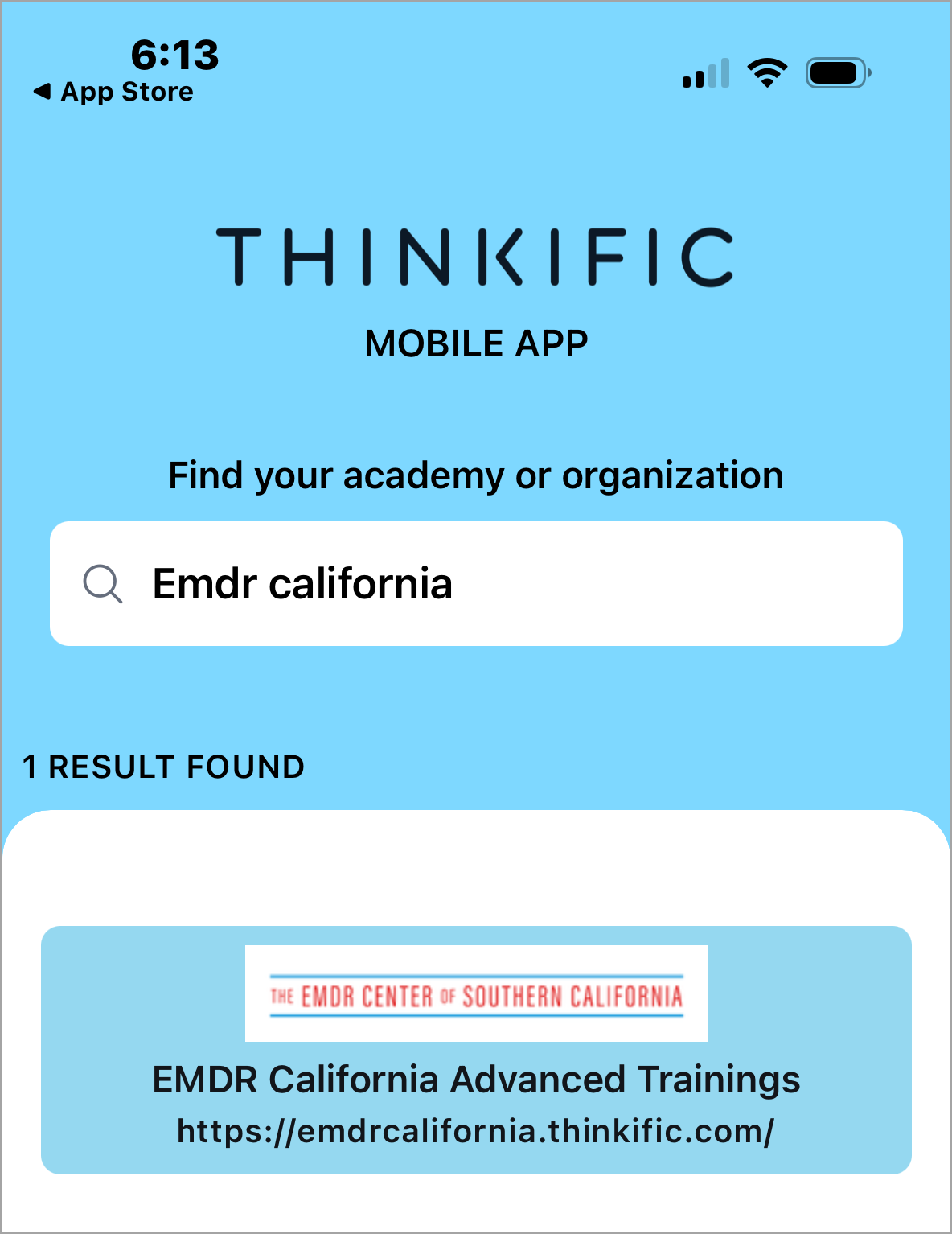 |
1. Download and install the Thinkific mobile app from the Apple App Store (for iOS) or the Google Play Store (for Android). 2. Open the app on your mobile device. 3. In the search bar, type in the name of this training organization: EMDR California 4. Click Enter to view results. 5. When you find EMDR California, tap on the logo to be taken to our login page. 6. Enter your EMDR California credentials. Once logged in, you'll be able to access your EMDR California training courses via the app. |
Note: EMDR Center of Southern California does not maintain this mobile app and is not able to provide support for its use.