The Student Dashboard (sometimes called the Learner Hub or Home) is your home base. It shows the trainings you’re enrolled in and lets you quickly return to where you left off.
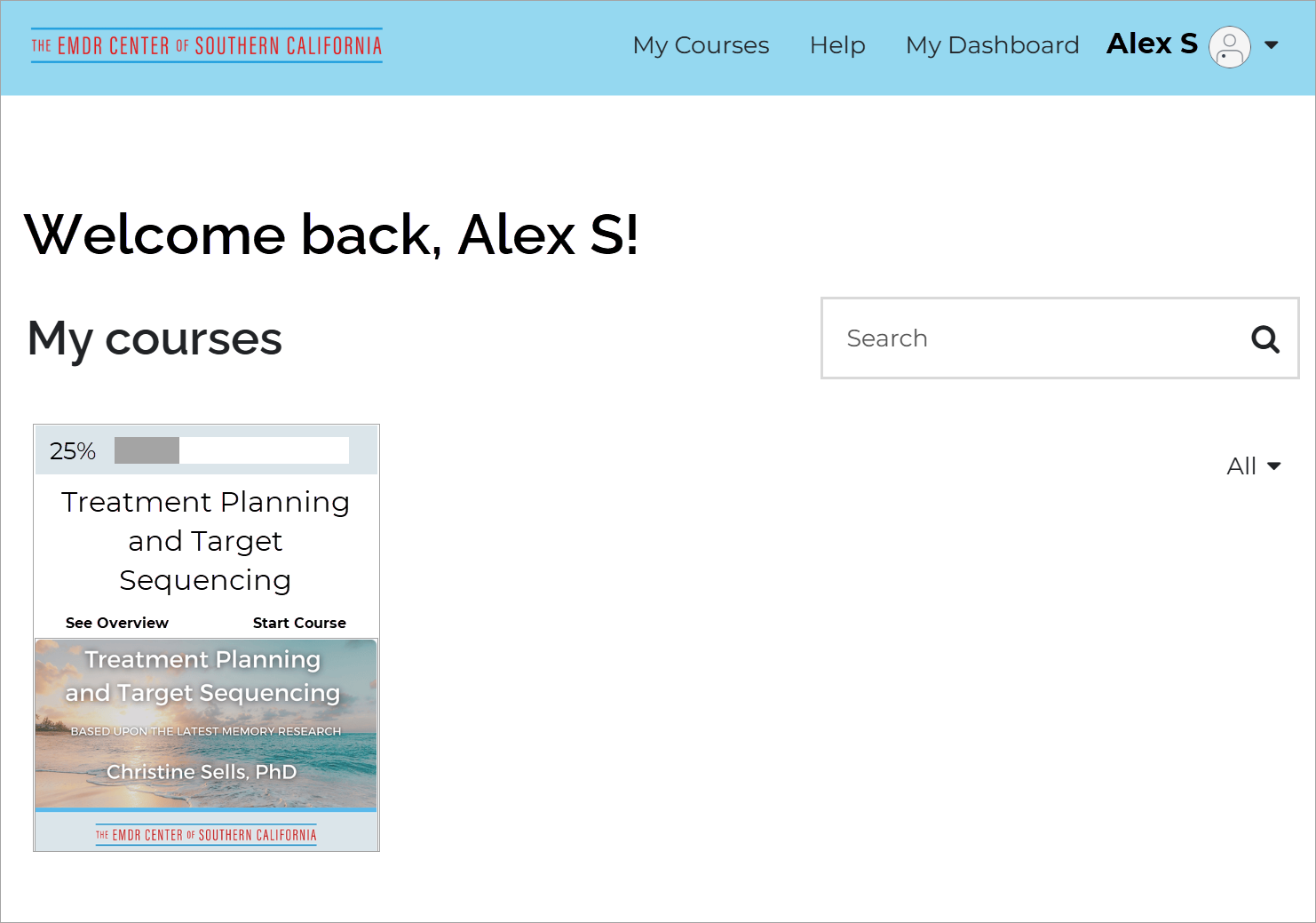

Dashboard has all courses you are enrolled in.  Click on the Start Course link to return to where you left off.

What you’ll find on the Dashboard

  • A list of all trainings you’re enrolled in

  • Your progress in each training

  • Quick links to resume learning


Look for a Go to Dashboard link in the upper left corner of any page.

How to return to the Dashboard

  • Select Go to Dashboard from any page in a course

  • You can safely leave a training and return later—your progress is saved automatically
