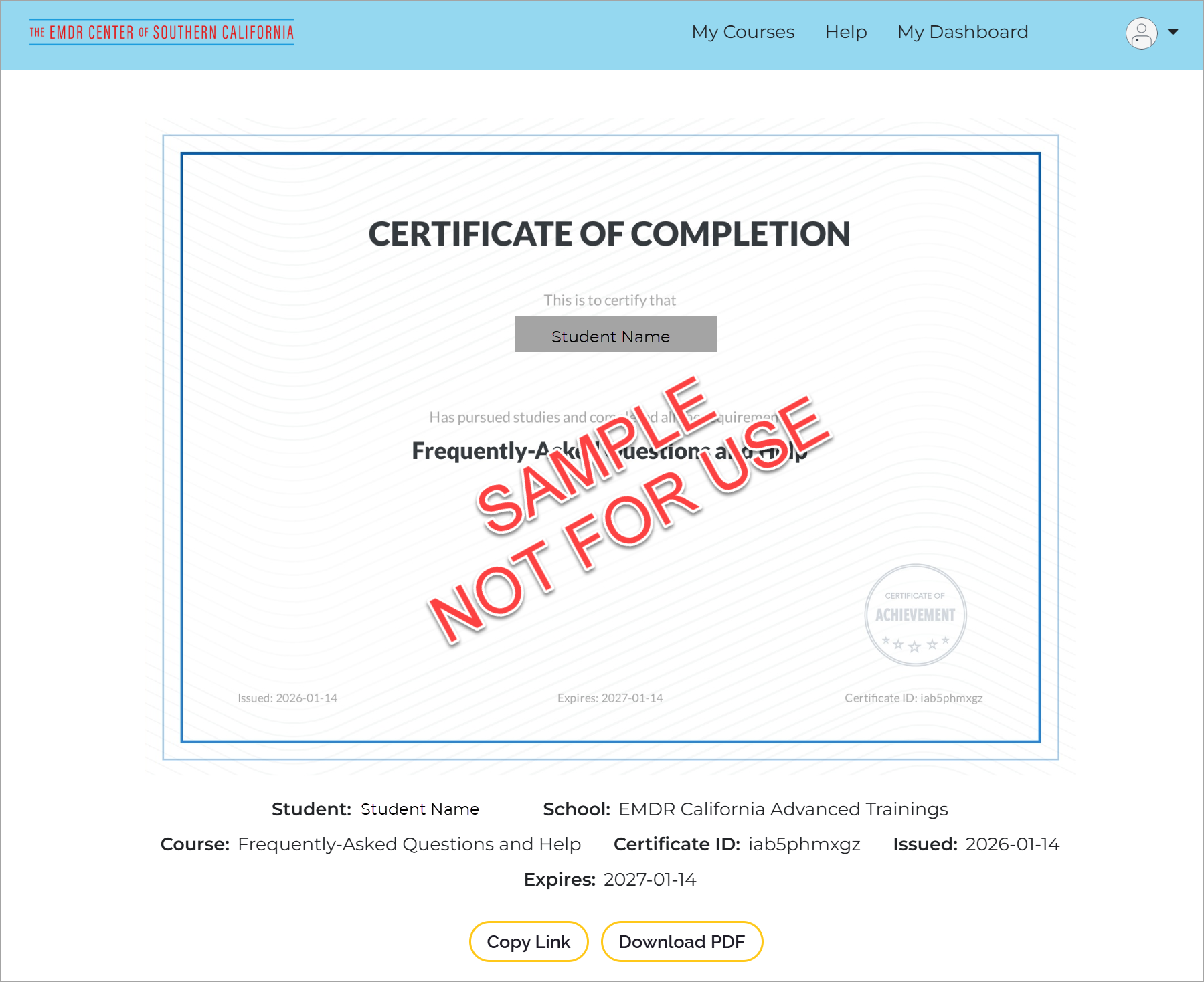
Certificates become available only after a training is fully completed in Thinkific. This page explains when the certificate appears and what to do if you don’t see it yet.
In Thinkific, the Get Certificate button appears after your progress reaches 100%.
This means:
All required lessons must be marked complete
Your overall progress must show 100%
Once those conditions are met, the certificate option becomes visible automatically in the Progress Window.
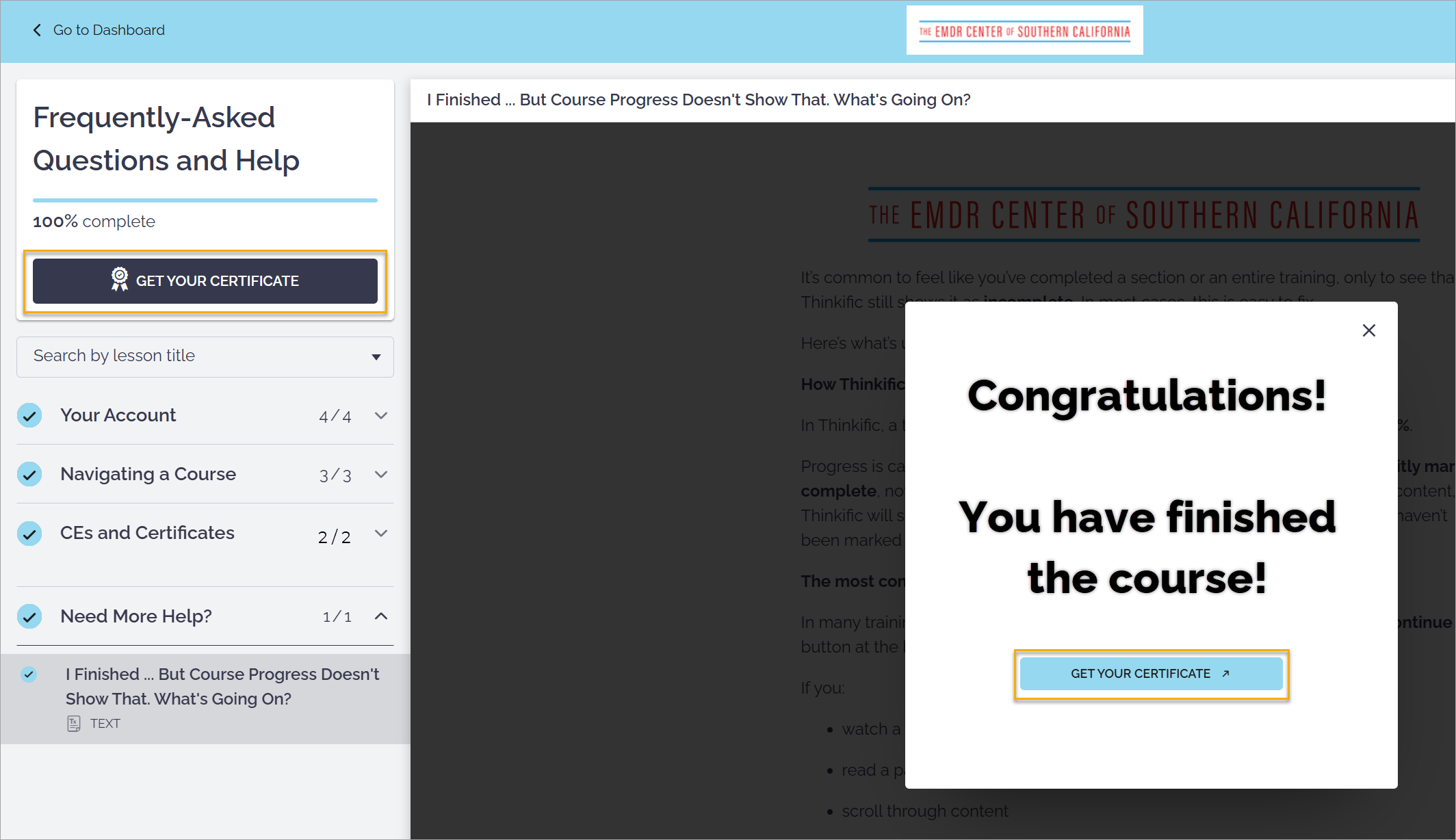
When you click on Get Your Certificate, the certificate will appear on-screen. From there, you can download it or copy a link that can be sent to via email.