
This happens often and can usually be fixed in a minute or two.
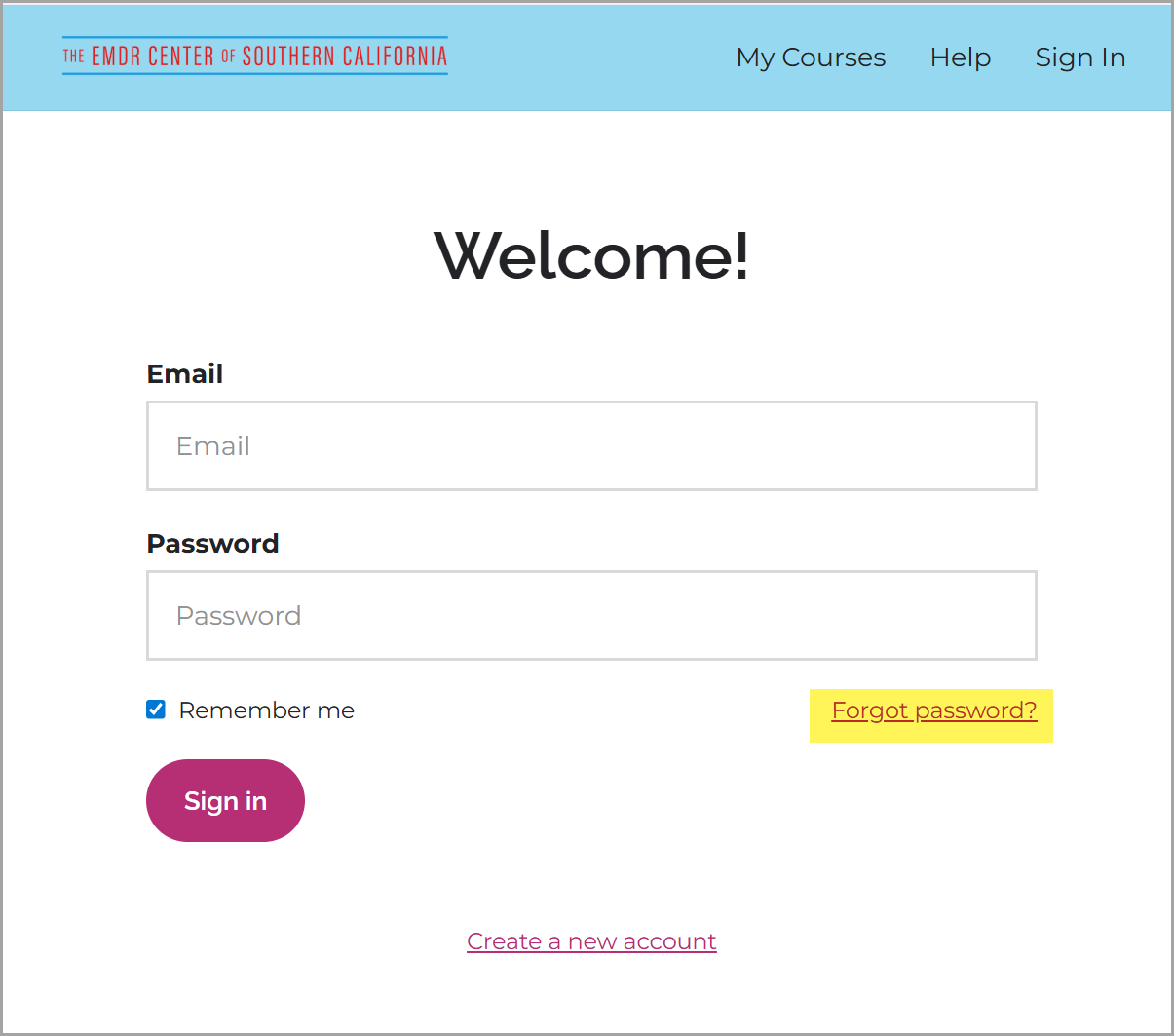 |
|
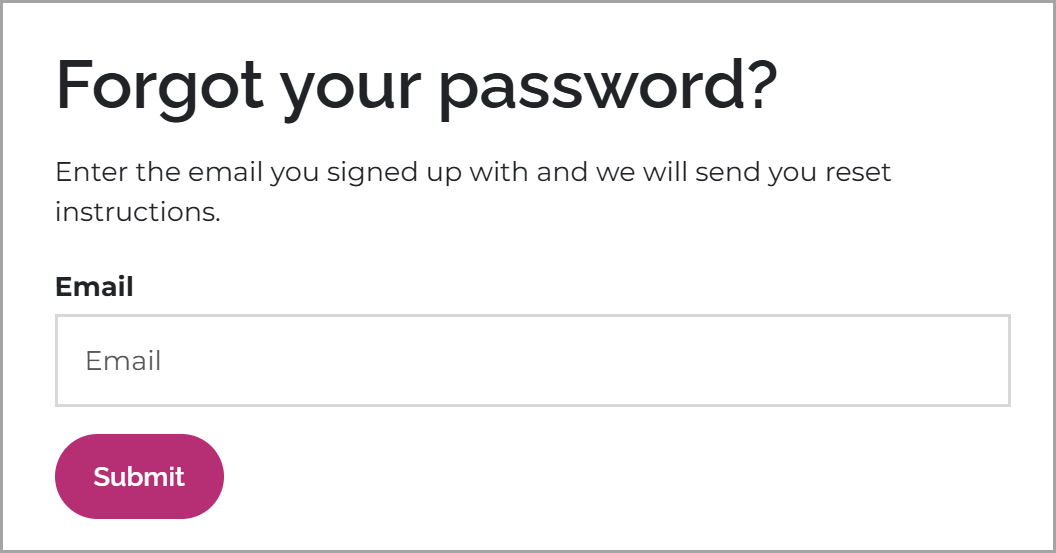 |
|
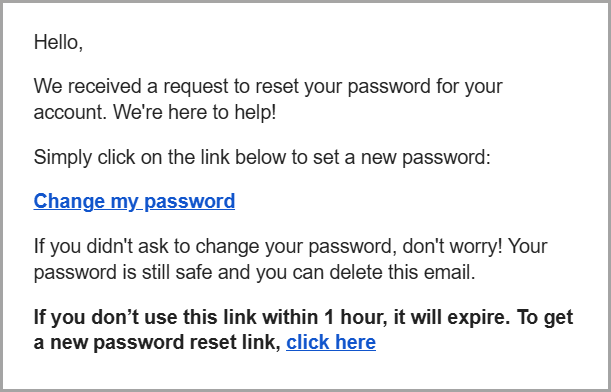 |
|
Common Problems
Didn’t receive the email?
- Check your spam or junk folder for an email from "[email protected]"
- Make sure you entered the correct email address.
- Password reset emails can take a few minutes to arrive.
Still not working?
If you’ve taken courses on other Thinkific sites, those passwords will not work here.
Each Thinkific site uses its own login credentials.
If you’re still unable to reset your password, please contact [email protected] and include the email address you believe you used to register.